Your browser finally has
the same energy as your desktop.
Pratibimb (Hindi for reflection) is a Chromium extension that syncs your Windows or Linux desktop wallpaper to your New Tab page — live, automatically, every time.
irm https://raw.githubusercontent.com/SunTzv/Pratibimb/main/install/install.ps1 | iex
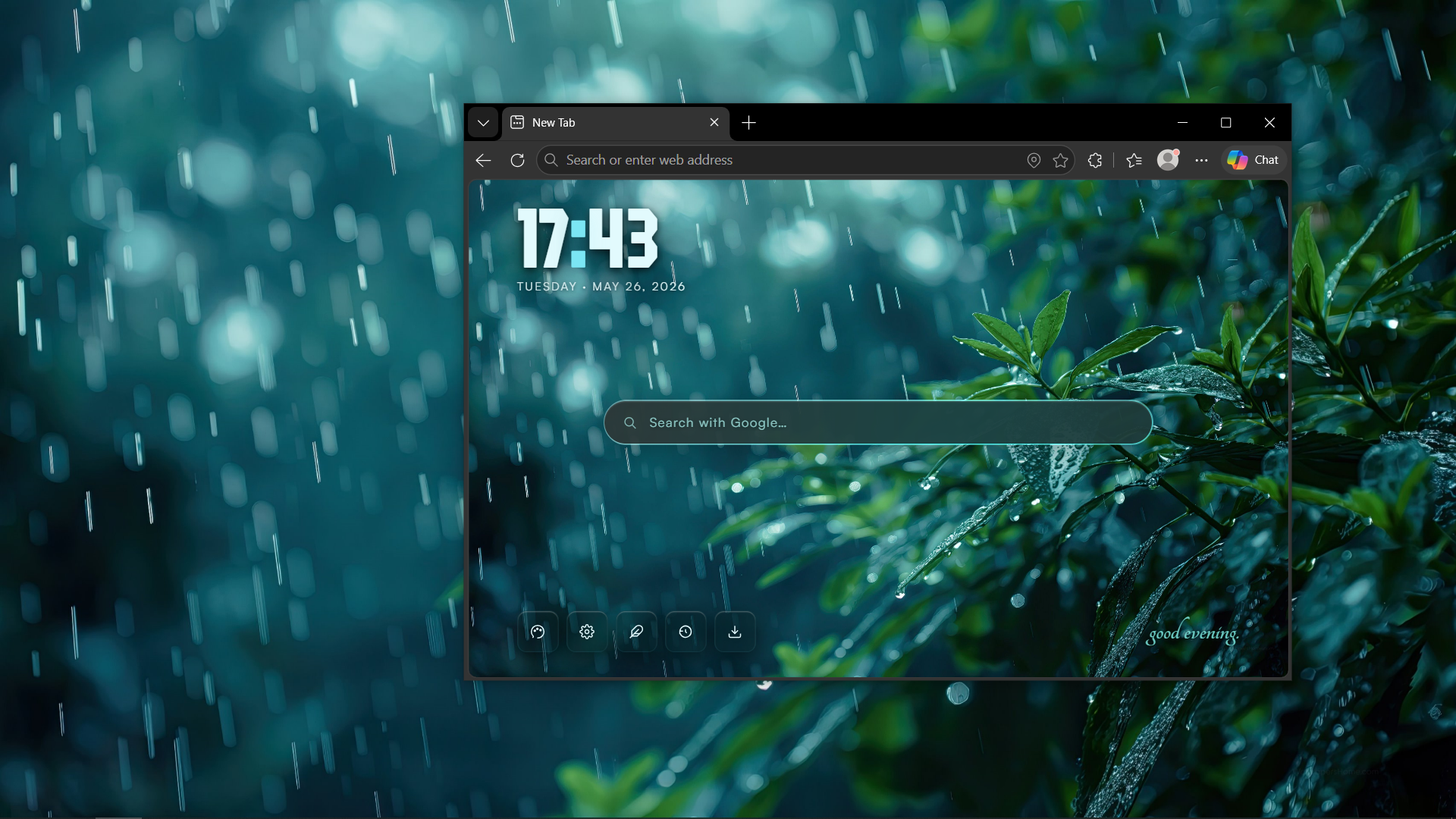
Active State
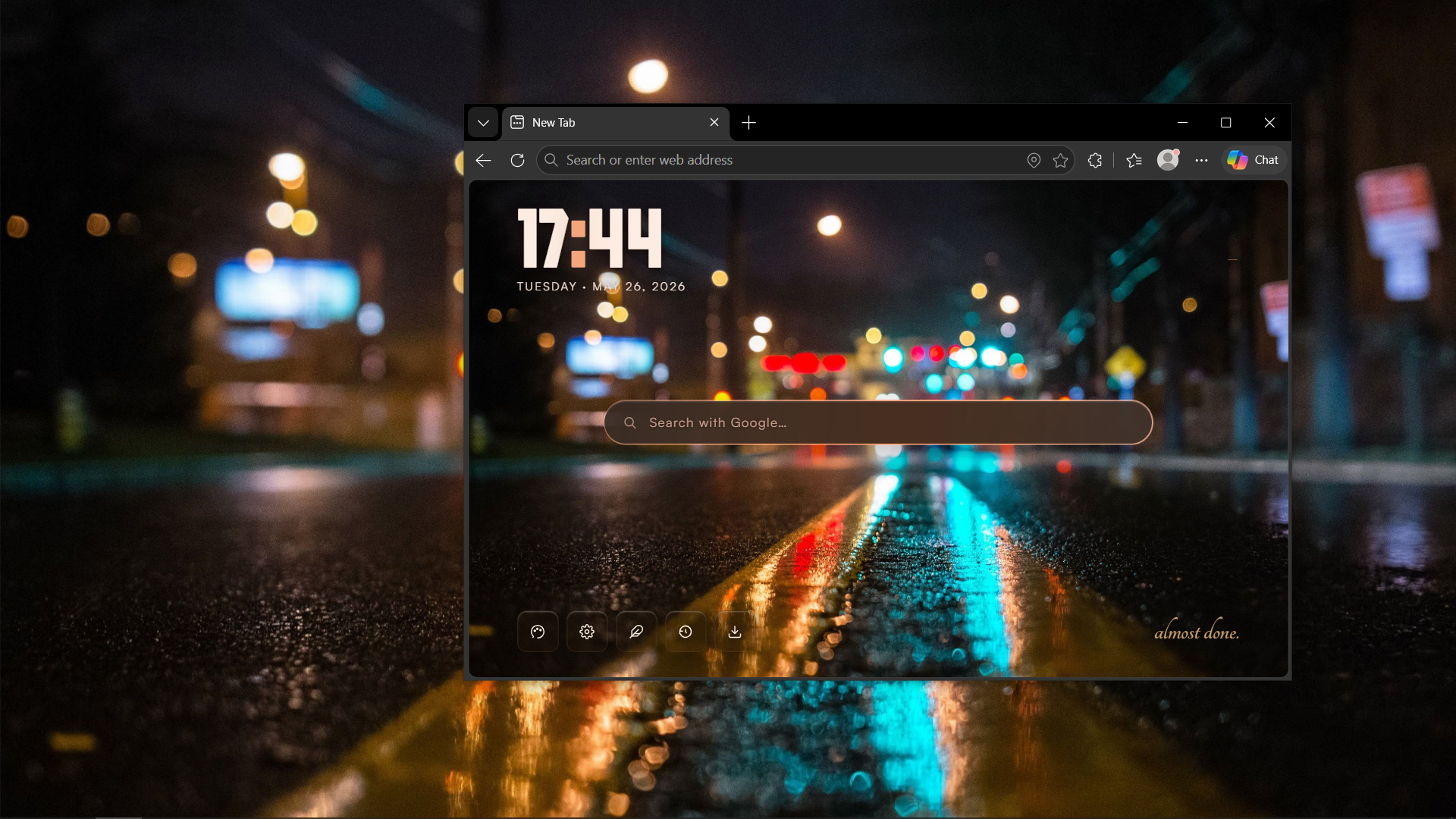
Active State
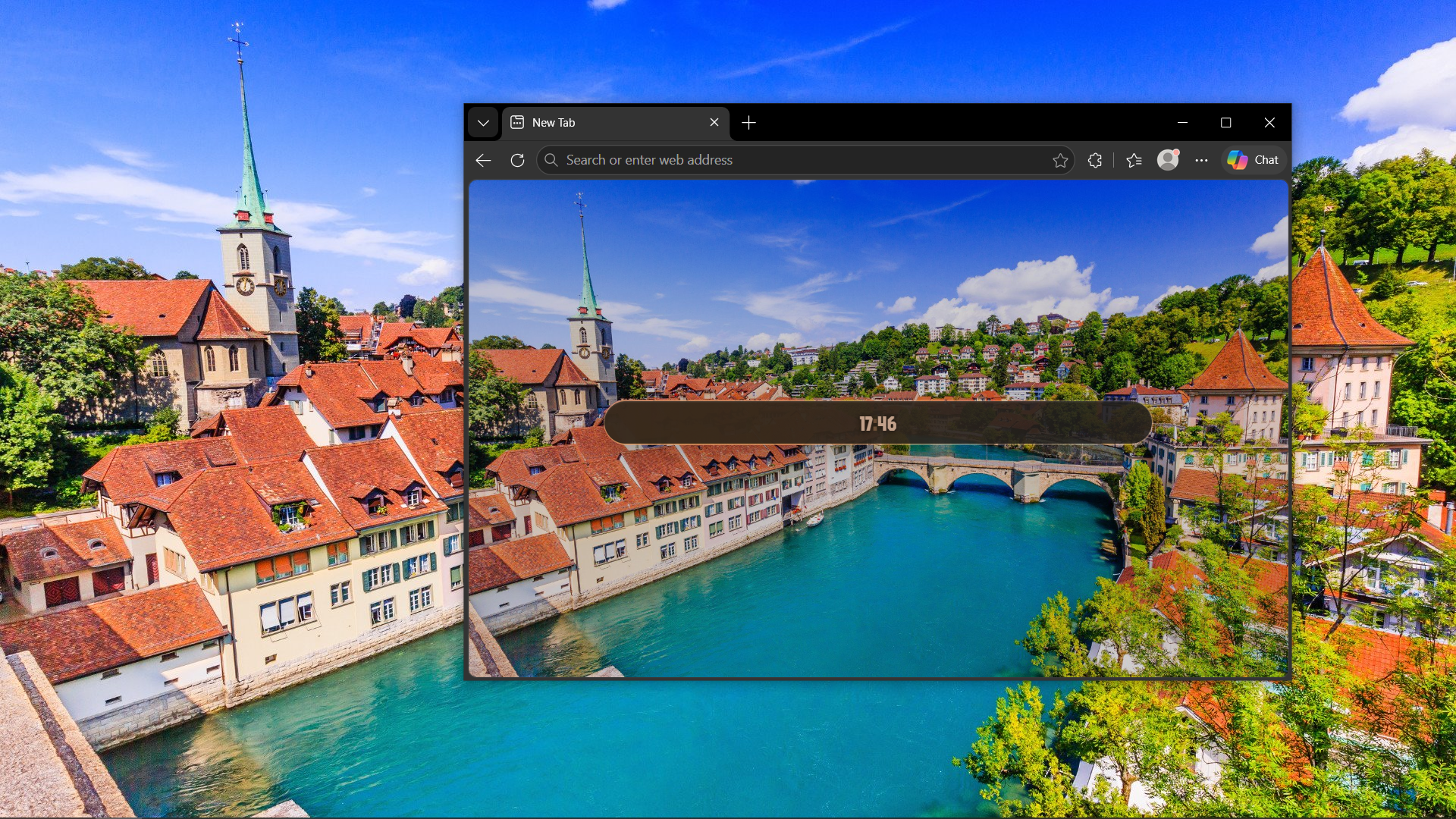
Idle State (Weather & Clock)
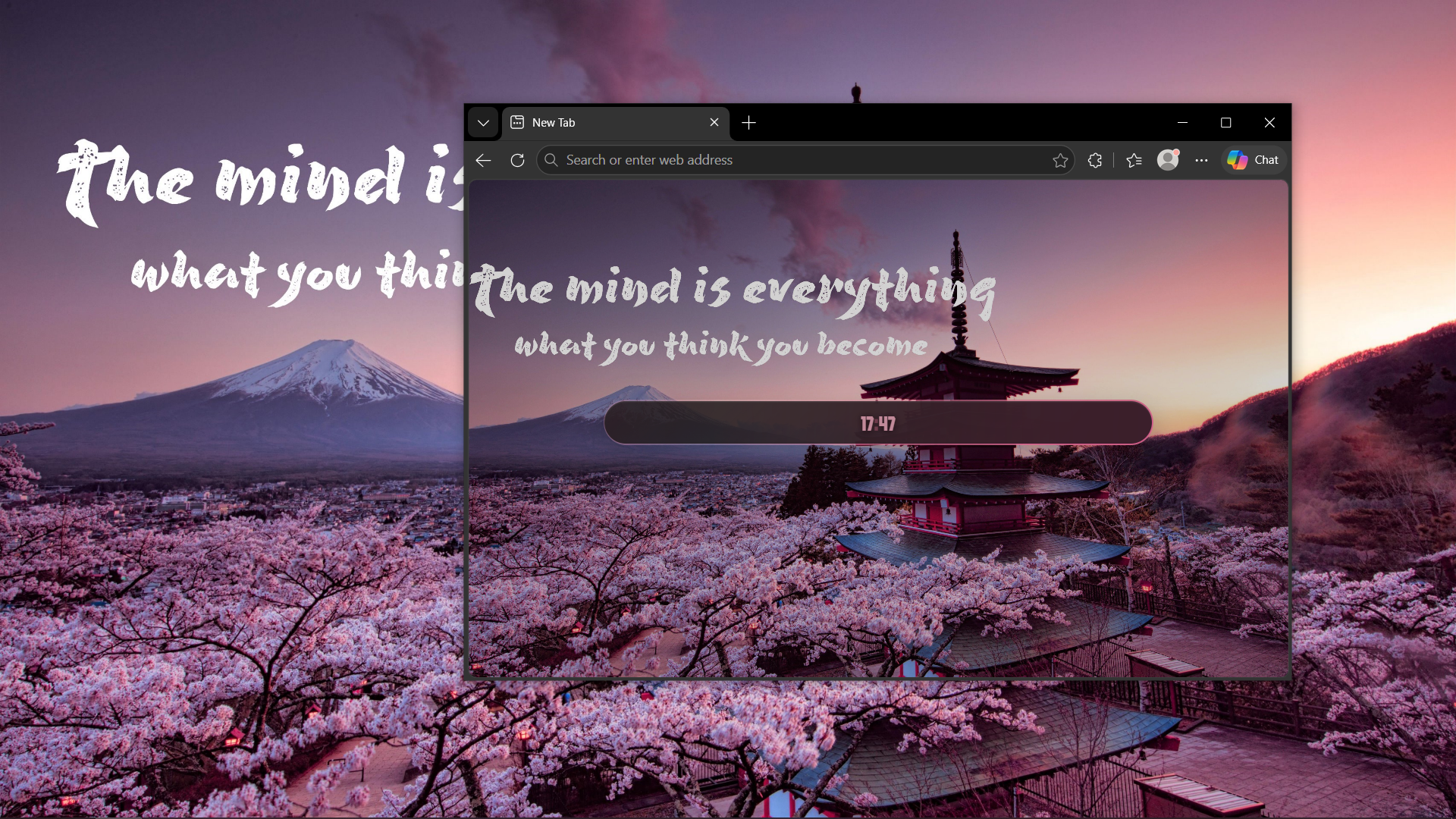
Idle State
Why it's better
Native C++ Host
Reads your wallpaper directly from the OS registry (Windows) or dconf/gsettings (Linux) instantly. No heavy background polling, zero lag.
Adaptive Glassmorphism
The entire UI reacts to your background. Moody dark wallpaper? Moody UI. Bright summer meadow? Frosted white glass. It adapts seamlessly.
One-Click Install
A single PowerShell or Bash command handles everything. It downloads the extension, compiles the host, and registers the browser policies for you.
Get Started
 Windows 10 & 11
Note: Browsers on Windows aggressively flag unpacked extensions. Our script automatically adds a registry policy to whitelist it. You will be prompted for Administrator privileges at the end of the script to apply this protection.
- Open PowerShell and run the install command below.
- The script will download, extract, and open the extension folder for you.
- Go to
chrome://extensionsoredge://extensions, turn on Developer mode. - Click Load unpacked and select the opened
extensionfolder.
irm https://raw.githubusercontent.com/SunTzv/Pratibimb/main/install/install.ps1 | iex
 Linux (Cinnamon / GNOME)
- Open your terminal and run the install command below.
- The script will compile the native host, extract the extension, and automatically register it.
- Go to your browser's extensions page, turn on Developer mode.
- Drag and drop the
extensionfolder that opened for you into the browser.
curl -sL https://raw.githubusercontent.com/SunTzv/Pratibimb/main/install/install.sh | bash